
A campaign file can look finished on a laptop and still need changes on the display. Text may be too small for a passing shopper, a portrait design may be cropped, or a promotion may remain on screen after it ends. A short preflight check gives the person approving the campaign and the person operating the screen a shared release process.
1. Confirm the screen and playback configuration
Record the intended display, installed orientation and playback application before exporting artwork. Ask the person responsible for the player to confirm supported file formats, resolution, aspect ratio and any file-size limits for the actual configuration. Panel resolution alone does not establish which video files an application will play.
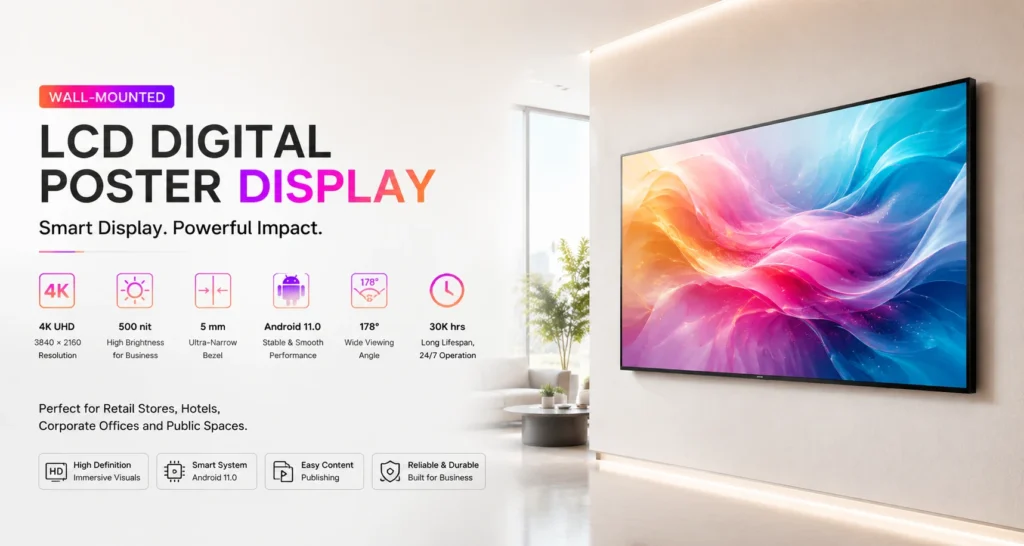
Use the relevant product page, such as the wall-mounted LCD poster series or floor-standing LCD poster series, to identify the equipment being discussed. Confirm software details against the supplied unit before approving the export settings.
2. Read the message from the viewing position
Put the proposed content on the target screen and stand where the viewer will encounter it. Check whether the headline, product and next action can be understood in a brief glance. A useful test is to ask a colleague what the screen is communicating without explaining the campaign first.
Check reflections and obstructions under normal operating lighting. Reduce small print and simplify backgrounds where they compete with the message. Keep essential text and logos clear of the edges, then inspect the actual playback crop. For wider placement decisions, see the viewing distance and ambient light planning guide.
3. Verify the offer and destination
Have the campaign owner check product names, prices where shown, availability, dates and participating locations. If a QR code is included, scan it from the intended viewing position using a phone. Confirm that it opens the approved destination and that the destination works on a mobile screen.
Give viewers a clear next action, such as visiting a department or speaking with staff. Make the message understandable with sound muted when audio is optional or unsuitable for the location.
4. Watch the complete playlist
Review the exported files on the actual playback setup rather than relying on the design preview. Watch every item, including the transition from the last item back to the first. Look for stretched images, missing fonts, blank frames, unexpected audio and content that disappears before it can be read.
If timed playback is part of the approved setup, check the player’s clock, time zone and campaign start and end settings. Verify any fallback content using the documented workflow for the supplied player. Record unresolved issues before expanding the campaign to other displays.
5. Leave a usable handover record
- Record the approved file version, screen location and campaign owner.
- Keep an approved copy of the previous playlist for recovery.
- Assign responsibility for removing expired promotions.
- Record who can update the player and where operating instructions are stored.
- Ask on-site staff to confirm the correct content after deployment.
For teams planning several screens, the content management workflow guide helps frame the update process. Include the handover check in that process so an approved file reaches the intended display and can be replaced when the campaign changes.
Prepare a sample before choosing the final setup
When requesting a display proposal, share a representative content file, the intended orientation, location photos and the planned update process. These details give the supplier a concrete playback task to review. Contact Jiami to discuss your LCD poster project and confirm the hardware and software configuration against your campaign needs.