
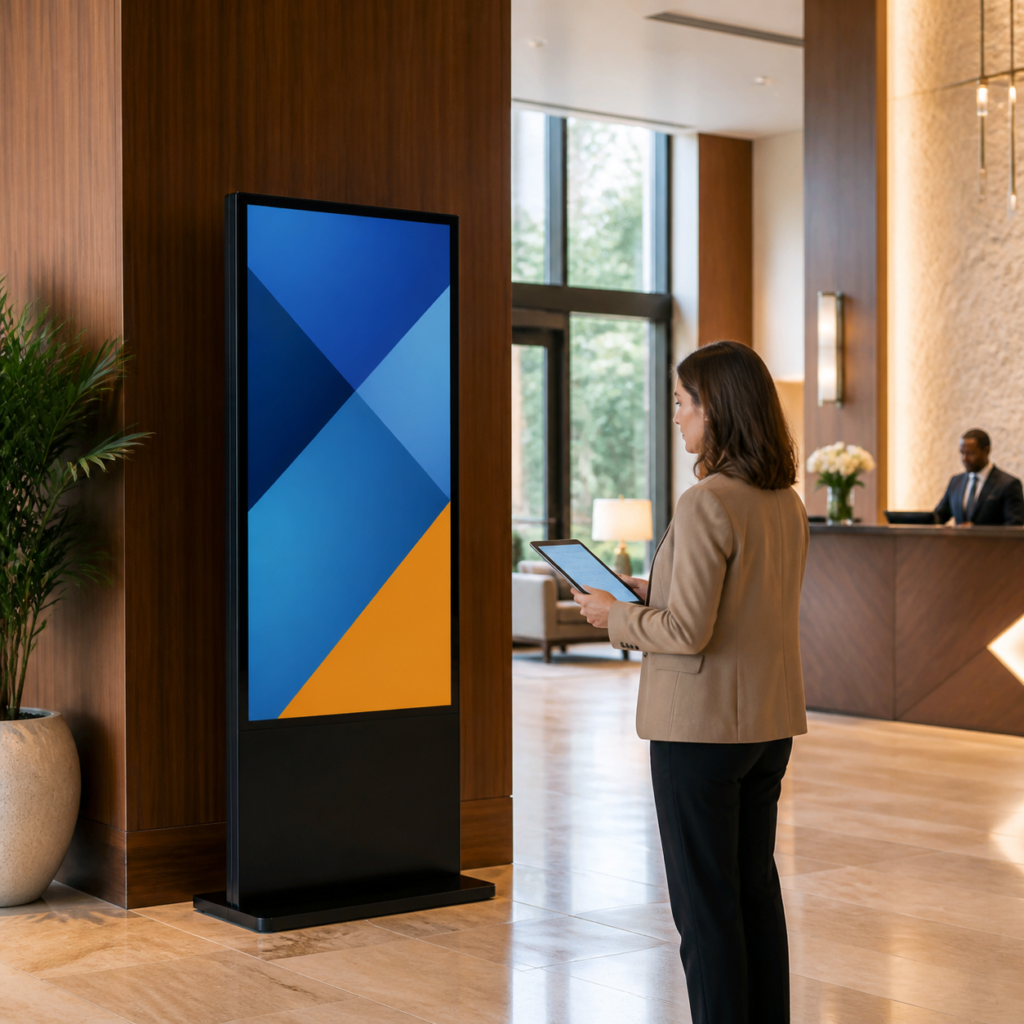
Before purchasing a commercial LCD poster, decide how the content will be updated after installation. A display can be the right physical format and still create unnecessary work if the update method does not fit the team, site network or number of locations.
The most suitable workflow is usually the simplest option that reliably supports the content schedule. For many projects, the decision comes down to local USB updates, an Android-based player or a remote management platform supplied as part of the display solution.
Start with how often content will change
A café with a seasonal campaign may update a screen every few weeks. A hotel, retailer or education site may need frequent changes for daily events, promotions or room information. Write down who owns the content, who approves it and who will physically or remotely update the display.
If updates are occasional and the display is easy to reach, a local process may be sufficient. If several locations need coordinated changes, remote control is usually worth assessing early in the project.
When USB updates are a good fit
USB updates can work well when content is simple, the display is accessible and the responsible person can visit the site. This approach does not depend on an active network connection, but it can create version-control risks when several people prepare files or when locations are widely distributed.
Use a clear file-naming system, define approved image and video formats with the supplier, and keep a master copy of the current playlist. Test content on one unit before rolling it out to multiple displays.
What to ask about Android-based playback
An Android-based display or player can support on-device apps and more flexible playback workflows, but capabilities vary by model and software. Ask which operating-system version, storage, supported content formats and management tools are included. Confirm that the intended app or content-management method is compatible before placing an order.
Also ask how the display behaves after a power interruption, whether scheduled startup and shutdown are available, and how software updates are handled. These operational questions are often more important than a feature list.
Evaluate remote management by the workflow, not the label
“Remote management” can mean different things. Some systems schedule media playlists; others provide device status, screen grouping, user permissions or proof-of-play functions. Identify the functions the team actually needs and avoid paying for a platform that will not be used.
- How many screens and locations need to be managed?
- Who may upload, approve and schedule content?
- Is the site network stable and permitted for display use?
- Are there subscription, support or renewal terms?
- What happens if the connection drops?
Plan content templates before installation
Create a small set of portrait-format templates for promotions, notices, event information and image-led content. Keep text concise and leave generous margins so the screen remains readable from normal viewing positions. Templates make it easier for different team members to update content without changing the visual standard every time.
Align the workflow with the display format
A portable display may suit temporary meetings, training rooms or changing spaces, where local updates and simple setup are priorities. For a permanent lobby or retail installation, a Floor-Standing LCD Poster or Wall-Mounted LCD Poster can be evaluated alongside the update workflow, site network and content ownership.
Make the purchasing decision easier
In an inquiry, describe the number of screens, locations, content types, update frequency and preferred control method. Request confirmation of included hardware, software, supported formats and any ongoing service terms. A clear workflow helps the supplier propose a solution the team can maintain after installation is complete.
To discuss a commercial LCD poster workflow for your project, contact the Jiami LCD team with your requirements.