
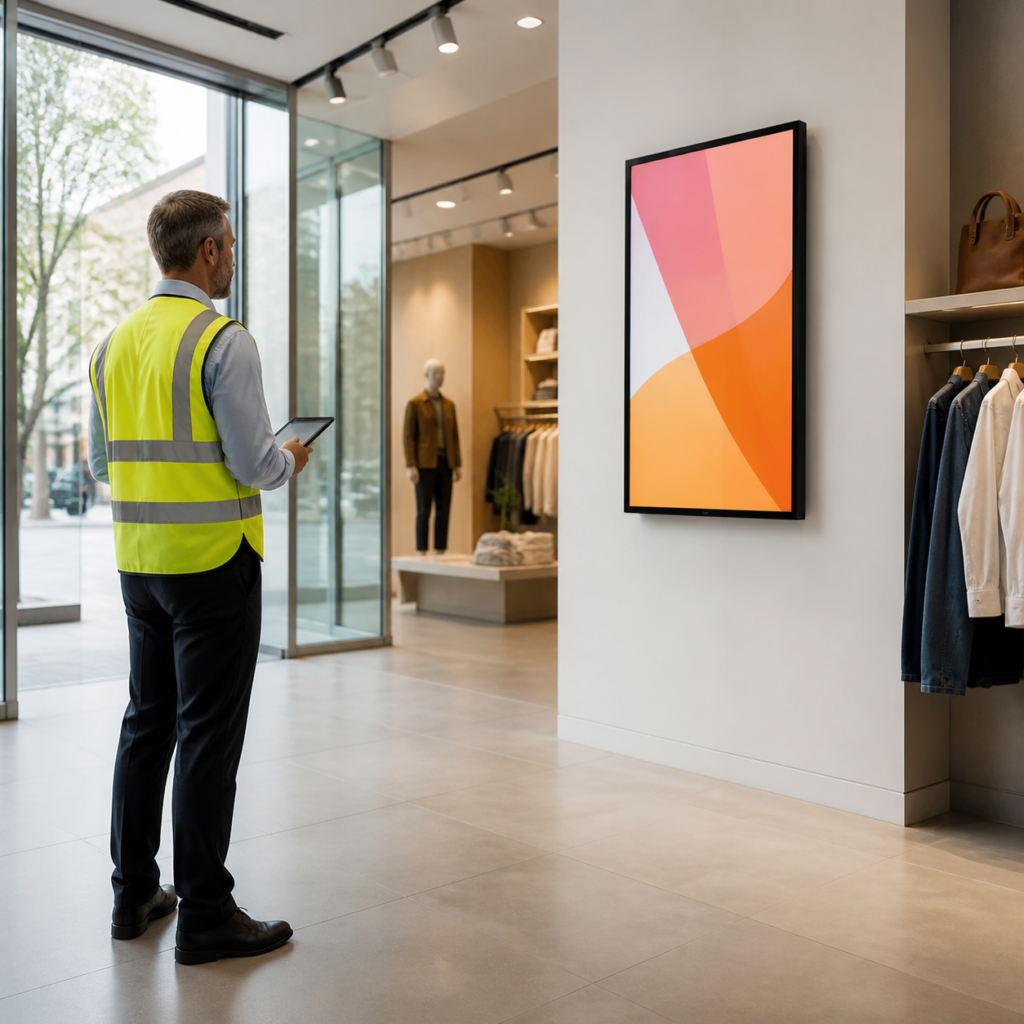
For a commercial LCD poster, picture quality on a specification sheet is only part of the buying decision. The display also has to be readable where it will be installed. Two project inputs make the biggest difference: how far people will stand from the screen and how much ambient light reaches the display surface.
Providing these details early helps a supplier recommend a screen size, installation format and content approach that match the real site rather than an idealized showroom.
Start with the audience, not the screen
List the people who need to see the message and how they move through the space. A shopper walking past an entrance may only have a few seconds to notice a promotion. A visitor waiting near a reception desk has more time to read a schedule, service notice or wayfinding message.
For each position, note the closest and typical viewing distances. Also identify whether the viewer is moving, seated or standing in a queue. These simple observations are more useful than choosing a size only because it fits an available wall.
Match content detail to the viewing distance
Large visual blocks, strong contrast and short headlines are generally easier to absorb from a distance than dense paragraphs, small pricing tables or several competing calls to action. If the message needs detailed reading, move the display closer to the decision point, simplify the layout or use a larger screen.
Ask the content owner for the actual materials that will run on the display. A screen that looks effective with a full-frame product photo can become difficult to read after a crowded menu, event agenda or QR code is added.
Check ambient light at the intended mounting point
Ambient light changes across a day. Window-facing walls, glass storefronts and bright lobby entrances can have very different conditions in the morning, afternoon and evening. Reflections from lights, polished floors or nearby glass can also reduce perceived contrast even when the image appears bright.
Take photos of the proposed location at representative times. Include the direction of windows, ceiling lights and the viewing path. This gives the project team a concrete basis for discussing placement and whether the content needs stronger contrast.
Review placement before finalizing the format
A wall-mounted unit may be appropriate where there is a clear, protected wall and an expected viewing zone. A floor-standing LCD poster can create a more visible focal point in a lobby, retail aisle or temporary activation, but it also needs space for safe circulation and cable planning.
Compare the two approaches against sightlines, available power, wall structure, cleaning access and local site rules. The Wall-Mounted LCD Poster and Floor-Standing LCD Poster pages are useful starting points for discussing the physical format.
Use a short site-survey checklist
- Typical and maximum viewing distance
- Viewer movement and dwell time
- Window direction, direct sun and reflective surfaces
- Mounting location, power route and network availability
- Content types, update frequency and text density
- Any building, retail or hospitality approval requirements
Turn site observations into a clearer quotation
A useful request for quotation explains the application as well as the product category. Share photos, a rough floor plan, preferred size range, quantity and the items on the checklist above. This reduces avoidable revisions and helps ensure the display is planned for the people who will actually see it.
For help reviewing a display location, send a project inquiry with your site photos and requirements.