
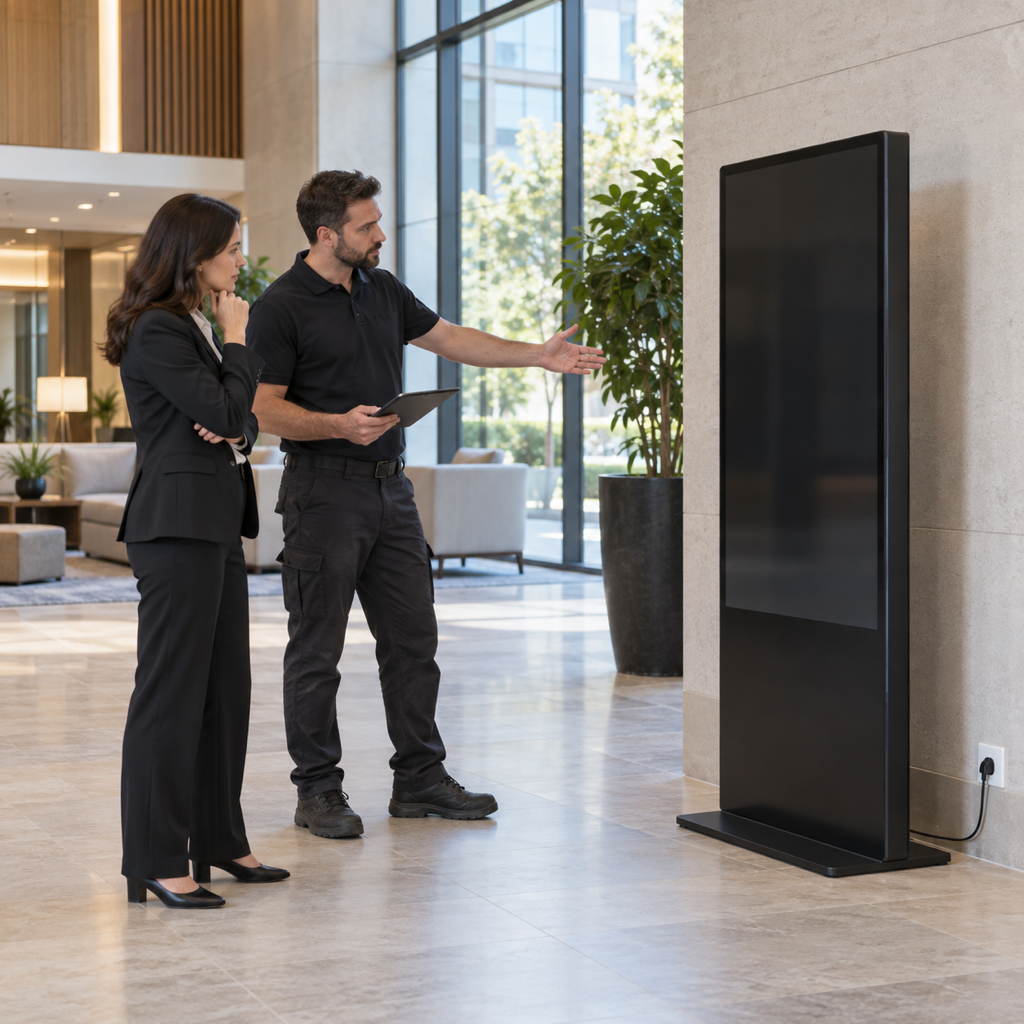
Short answer: Before ordering a commercial LCD poster, confirm the exact location, power route, network method, mounting conditions and service clearance. These five inputs affect installation scope, daily operation and the accuracy of a supplier quotation.
This checklist is written for procurement teams, facilities managers, AV integrators and operators planning an indoor commercial display. It separates product information from site-specific work that should be confirmed by qualified local professionals.
What should buyers confirm before ordering an LCD poster?
- Exact installation position and usable dimensions
- Available power supply and protected cable route
- Network availability and content-update method
- Wall or floor conditions and safe circulation space
- Access for inspection, cleaning and future service
1. Mark the exact installation position
Place the proposed screen position on a floor plan and take photographs from the audience and service sides. Record the usable width, depth and height, plus nearby doors, furniture, walkways and glazing. Do not select a screen only because its nominal size fits an empty wall.
A floor-standing display needs a stable, level surface and enough clearance for people to move safely around it. A wall-mounted unit also needs a suitable structure and an installation method that matches the final product dimensions and weight. Compare the Floor-Standing LCD Poster and Wall-Mounted LCD Poster formats before confirming the layout.
2. Confirm the power source and cable route
Identify the available outlet, voltage, circuit arrangement and planned cable path. A nearby socket is not automatically suitable for permanent equipment, and a temporary extension lead should not be treated as the final installation plan.
Ask the display supplier for the relevant power-input information for the proposed model. Then ask the site electrician or facilities team to confirm circuit suitability, isolation and cable protection. This keeps the manufacturer responsible for product data while local professionals remain responsible for the site installation.
3. Choose the network and content-update workflow
A network may support remote content updates, monitoring or a cloud-based content-management platform. It is not required for every project. Local USB updates may be practical when content changes infrequently and the screen is easy to reach.
If remote management is planned, confirm whether Ethernet, Wi-Fi or a managed network is available at the exact display position. Document who owns network approval, device credentials, software access and ongoing support. For a more detailed comparison, read the commercial LCD poster content-management guide.
4. Leave practical service and cleaning access
The installation must allow access to power connections, cable entry points, ventilation areas, mounting hardware and any external media player. Avoid locations where technicians must move fixed furniture or obstruct a public route to reach the equipment.
For wall-mounted projects, document what is behind the wall and how the display can be removed if service is needed. For floor-standing projects, check base clearance, cleaning access and cable protection. Describe unusual heat, moisture, dust or public-contact risks in the RFQ rather than assuming a standard indoor environment.
5. Check viewing conditions and operating restrictions
Observe the proposed location at representative times of day. Window light, reflections and viewer movement can change the effectiveness of the same screen. Use the viewing-distance and ambient-light guide to assess readability alongside installation requirements.
Also record landlord approvals, venue rules, installation-hour restrictions and any local requirements that affect mounting or electrical work. These are project inputs, not assumptions a display manufacturer should invent.
What information should an LCD poster RFQ include?
A useful RFQ includes quantity, preferred screen format, site photos, key dimensions, power and network details, content workflow, installation responsibilities and target timing. It should also list the decisions that still require confirmation.
Providing this information helps suppliers recommend an appropriate configuration and reduces avoidable revisions. To review a commercial LCD poster project, contact the Jiami LCD team with your site information and requirements.