
A promotion needs a clear ending as well as a launch date. When an LCD poster continues to show an expired offer, staff may have to explain a message that no longer matches the campaign. Treat removal and replacement as part of the original content brief so the person closing the campaign knows exactly what to do.
Record what expires and where it appears
Give each promotion a recognisable campaign name and identify every screen or location included in the rollout. Record the approved start and end date, the relevant local time and the person who owns the decision to stop the message. Include any conditions printed in the artwork so they can be checked alongside the campaign brief.
Keep a list of the actual files and playlists used. A campaign may have a main image, a short video and a secondary slide with the same offer. Removing only the main image can leave another version in rotation. Include related content that staff might copy back onto a screen later.
Prepare the replacement before the campaign ends
Choose an approved message to show after the promotion. This could be general product information, opening hours or another current campaign. The replacement should suit the same screen orientation and viewing conditions. Check its wording, images and destination links before handing it to the person responsible for the change.
The LCD poster content preflight checklist provides a practical review before content goes on screen. Apply that review to the replacement as well as the outgoing promotion. A placeholder with an obsolete price or unavailable service creates a new problem at the handover.
Confirm how the supplied system handles the end time
Check the actual playback and content management configuration used by the project. If it supports scheduled expiry, confirm how the schedule is applied, which time setting it uses and what should play after the end time. Test that behaviour on the supplied setup before depending on it for a public campaign.
If a local or manual update is required, assign a named person and a backup contact. Provide the replacement file and the approved steps in advance. Do not assume that every LCD poster has the same scheduling features or that an uploaded change has reached every location.
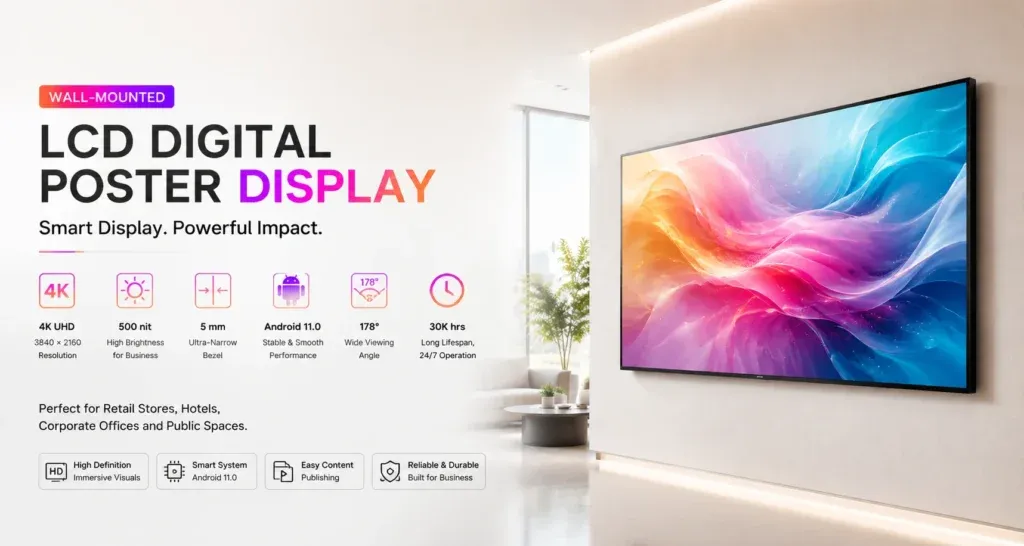
For a fixed display project, review the Jiami wall-mounted LCD poster range and confirm the required playback workflow for the quoted configuration. Screen format and installation position are only part of the brief; the team also needs a workable process for changing what is shown.
Check the screen after the deadline
Verify what the audience can actually see. For each location, confirm that the expired artwork is absent and the approved replacement is playing correctly. Where several items rotate, observe the relevant sequence rather than checking only the first image. Record who checked the screen and when.
- The old offer is absent from the active sequence.
- The replacement message is current and readable.
- Any linked landing page agrees with the new screen content.
- Staff know which message is now approved.
- Any screen that could not be checked has a named follow-up owner.
Keep an exception plan and close the record
Decide in advance what staff should do if a screen cannot receive the replacement or the expected change does not happen. Use the site’s approved operating procedure and contact the responsible support person. Avoid improvising unfamiliar system changes while customers are waiting.
Archive the campaign materials with a clear expired status and retain the approved replacement. Note any location that needed manual help and use that information to improve the next handover. The LCD poster content management guide can help teams compare an update process against the way their sites are staffed.
Discuss your LCD poster project with Jiami. Share the number of locations, who prepares the content and how time-sensitive messages will be replaced, so the required workflow can be reviewed before a configuration is agreed.