
A wall-mounted LCD poster gives a retail campaign a fixed place in the store. It can introduce a new collection, explain a product or show a promotion beside the merchandise. The useful starting point is the shopper’s decision at that location. Decide what the viewer should understand before choosing the screen size or preparing the video.
Give each screen one campaign role
At an entrance, a display can introduce the current collection and direct visitors toward a department. Beside a product, it can show a short demonstration or explain a feature that is difficult to communicate on packaging. Near a service desk, it can explain the next step in a booking or consultation.
Choose one main message for each location. Put the product or offer first, then add a short action such as asking a staff member for a demonstration. A shopper who glances at the screen should understand the message without waiting for the full playlist.
Compare the model with the actual wall
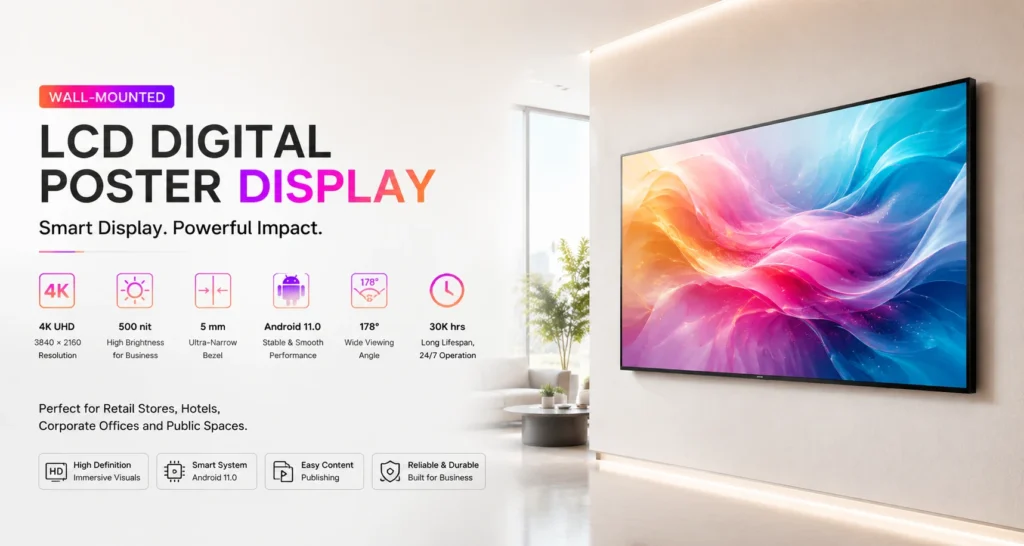
The Jiami wall-mounted LCD poster series covers seven sizes from 43 to 98 inches. The listed models use 3840 × 2160 panels and Android 11. Brightness differs: the 43 to 85-inch models are listed at 500 nit, while the 98-inch model is listed at 350 nit. A larger diagonal therefore does not automatically mean a brighter screen.
For a compact product area, compare the 43-inch JM-BG4303 with the available wall width and nearby shelving. For a larger campaign wall, review the 75-inch JM-BG7503. Check the cabinet dimensions and mounting requirements on the model page before approving the layout.
Design content for the chosen orientation
Prepare the artwork for the confirmed installation orientation. Portrait layouts suit full-height fashion photography and product stories; landscape layouts provide more horizontal room for a demonstration or a side-by-side comparison. Confirm the playback layout before exporting the final files.
- Keep the headline short and make the product the main visual.
- Check small text from the position where shoppers will actually stand.
- Keep essential information away from the edges and test the final crop.
- Make the campaign understandable with the sound muted.
Run a practical store trial
Before rolling out the same playlist to several stores, test it in one representative location. Watch the screen under the lighting used during trading hours. Check reflections, shelf obstructions and the time a passing shopper has to read the message. Ask store staff whether the displayed promotion matches the products currently available.
Jiami lists USB, mobile app and PC publishing for this series. Confirm the exact software, network requirements and update process for the quoted configuration. Assign one person to approve campaign files and another clear responsibility for removing expired material.
Worked example: check a 1,100 mm landscape display space
This is a dimensional planning example using published cabinet widths, not a completed installation or a mounting approval. Assume the usable wall width is 1,100 mm and the screen is installed in landscape orientation.
- The 43-inch JM-BG4303 is listed at 957.4 mm wide. Subtracting this from 1,100 mm leaves 142.6 mm in total, or 71.3 mm on each side if centred.
- The 50-inch JM-BG5003 is listed at 1,108.84 mm wide, exceeding the example space by 8.84 mm before any installation clearance.
The remaining space is not automatically adequate ventilation or service clearance. Obtain the mounting drawing and confirm bracket position, wall load capacity, cable exit and required access with the installer. For portrait mounting, repeat the check using the dimensions for that orientation.
Record the usable width and height, proposed model, required clearances and drawing revision in the campaign brief. Use the installation checklist before approving hardware.
Prepare the campaign brief
Send the proposed wall location, a photo of the surrounding area, preferred screen size, orientation, quantity and a sample content file. Include the campaign launch date so hardware delivery and content preparation can be planned together.
Discuss your wall-mounted LCD poster project with Jiami. The team can review the model and installation details against your retail brief.