
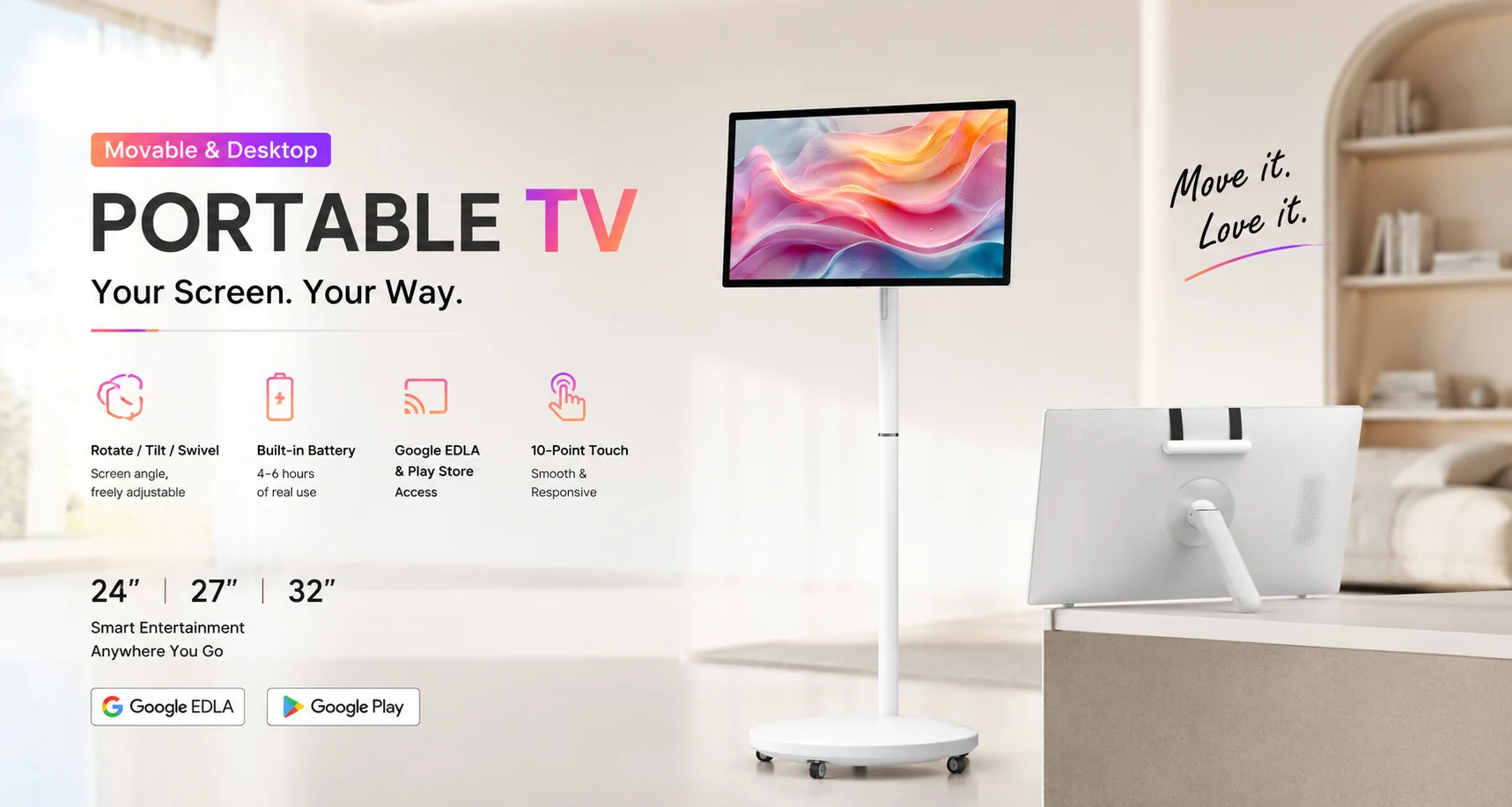
A portable smart display can move between classrooms, meeting areas, training rooms, retail spaces and home environments. Before choosing a model, buyers should compare more than screen size. Touch experience, battery performance, movement, connectivity and software all affect daily usability.
1. Screen size and viewing position
The Jiami Portable TV series includes 24, 27 and 32-inch options. A smaller model is easier to move and position close to individual users. A larger screen can improve group visibility for presentations, lessons and collaborative work.
Consider how many people will normally view the display and how far they will sit or stand from it. The largest size is not always the best choice if the product must move frequently through narrow spaces.
2. Touch interaction
For annotation, lessons, demonstrations and collaborative work, responsive multi-point touch is a central requirement. Confirm the number of supported touch points, expected applications and whether users will interact while seated, standing or presenting to a group.
3. Battery operating time
A built-in rechargeable battery allows the display to work away from a fixed power outlet. Jiami Portable TV configurations are designed for approximately 4 to 6 hours of use, depending on the selected configuration and operating conditions.
When planning a deployment, ask how often the display will move, where charging will take place and whether the operating schedule includes long sessions. Battery performance should be evaluated together with brightness, application load and connectivity.
4. Stand movement and adjustment
A useful portable display should be easy to reposition while remaining stable during touch interaction. Compare:
- Base stability and caster movement
- Available height adjustment
- Screen tilt and swivel range
- Portrait and landscape rotation
- Handle position and ease of carrying
- Clearance through doors, lifts and storage areas
Desktop and movable-stand configurations can serve different workflows, so confirm the expected use mode before ordering.
5. Operating system and applications
Android-based operation supports familiar applications and media playback. Buyers should confirm the Android version, processor, memory, storage, language requirements and whether specific applications must be pre-installed. For managed business or education projects, application compatibility should be checked before deployment.
6. Connectivity and ports
Review how the display will receive content and connect to other devices. Depending on configuration, relevant connections may include HD input, USB-C or Type-C, AUX, charging, Wi-Fi and Bluetooth. Make a list of the laptops, cameras, speakers or accessories that will connect to the product.
7. Audio and collaboration needs
Built-in loudspeakers make the display useful for video, presentations and training without requiring a separate audio system in every location. For larger rooms, confirm whether external audio equipment is needed and which connection method will be used.
Questions to include in your inquiry
- Preferred 24, 27 or 32-inch size
- Movable stand or desktop configuration
- Typical users and viewing distance
- Required applications and languages
- Expected battery operating schedule
- Required ports and wireless connections
- Quantity, destination and customization needs
Contact Jiami with your application and configuration requirements to compare suitable Portable TV options for business, education or collaborative use.