
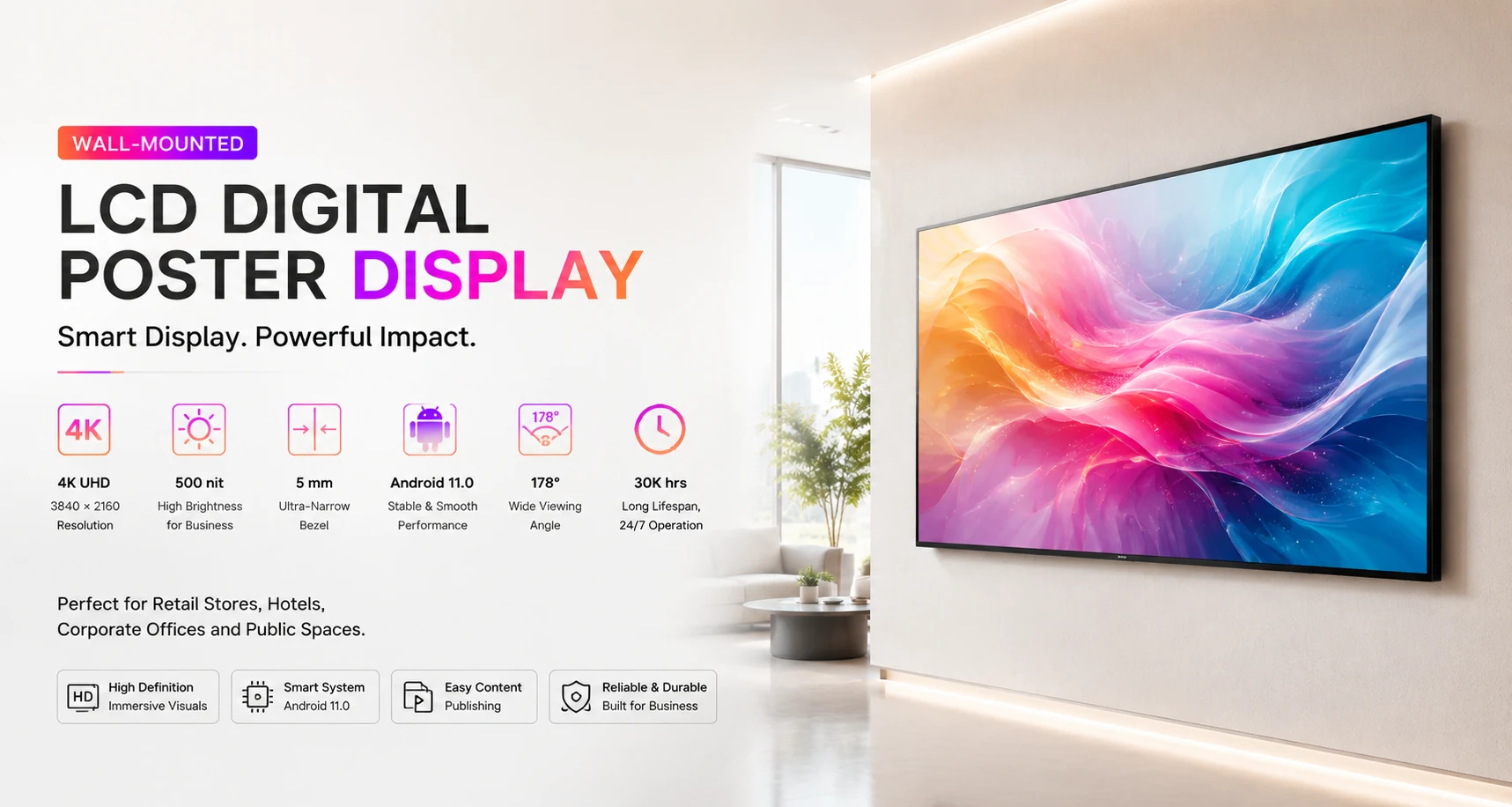
A useful LCD poster quotation depends on more than the screen size. The clearer your project information is, the easier it becomes to compare configurations, identify installation risks and avoid unnecessary revisions later.
1. Define the business application
Explain what the display must achieve. Common applications include retail promotion, wayfinding, menu presentation, brand storytelling, exhibition information, corporate communication and public-service messaging. The application influences screen format, placement and content workflow.
2. Describe the installation environment
Confirm whether the display will be installed in a store, hotel, exhibition hall, office, transportation space or another indoor environment. Note available wall or floor space, nearby lighting, access restrictions and whether the display will be viewed mainly from the front or from several directions.
3. Choose wall-mounted or floor-standing
Wall-mounted LCD posters preserve floor space and suit permanent installations. Floor-standing LCD posters create a freestanding focal point and can support more flexible positioning. Confirm the preferred structure before the quotation stage.
4. Provide the preferred screen size
Jiami wall-mounted models cover 43 to 98 inches, while the current floor-standing series includes 75, 85 and 98-inch models. If the final size is uncertain, provide the available installation dimensions and typical viewing distance so suitable options can be compared.
5. Confirm portrait or landscape orientation
Orientation affects content production, bracket planning and the overall visual hierarchy. Portrait layouts are common for promotions and wayfinding. Landscape layouts work well for video, presentation and wide information formats.
6. Estimate viewing distance
State the nearest and typical viewing distances. This helps the project team judge whether content will remain readable and whether the proposed screen size is appropriate for the space.
7. List content and publishing requirements
Describe the media you plan to display and how updates should be performed. Useful questions include:
- Will content be updated by USB, application or PC?
- Does the project require scheduled playback?
- Will several screens need coordinated updates?
- Are Wi-Fi, LAN, Bluetooth or specific ports required?
- Who will manage content after installation?
8. Confirm quantity and deployment plan
Provide the total quantity and whether the screens will be installed at one site or distributed across several locations. Multi-location projects may require standardized configurations, packaging labels and a clear rollout schedule.
9. Identify customization needs
List any OEM or ODM requirements such as product color, logo, boot screen, launcher, interface configuration or pre-installed applications. Customization should be discussed early because it can affect confirmation steps and delivery planning.
10. Share destination and schedule
Include the destination country, city or port and the expected project date. Also mention any site access restrictions, planned opening date or exhibition schedule that could affect delivery coordination.
A simple inquiry template
You can prepare your request in the following format:
- Application:
- Installation environment:
- Wall-mounted or floor-standing:
- Preferred size and orientation:
- Viewing distance:
- Quantity:
- Content publishing method:
- Required interfaces:
- Customization:
- Destination and target date:
Use the Jiami LCD project inquiry form to submit these details. Photos, drawings and specification files can also be sent by email for a more focused discussion.