
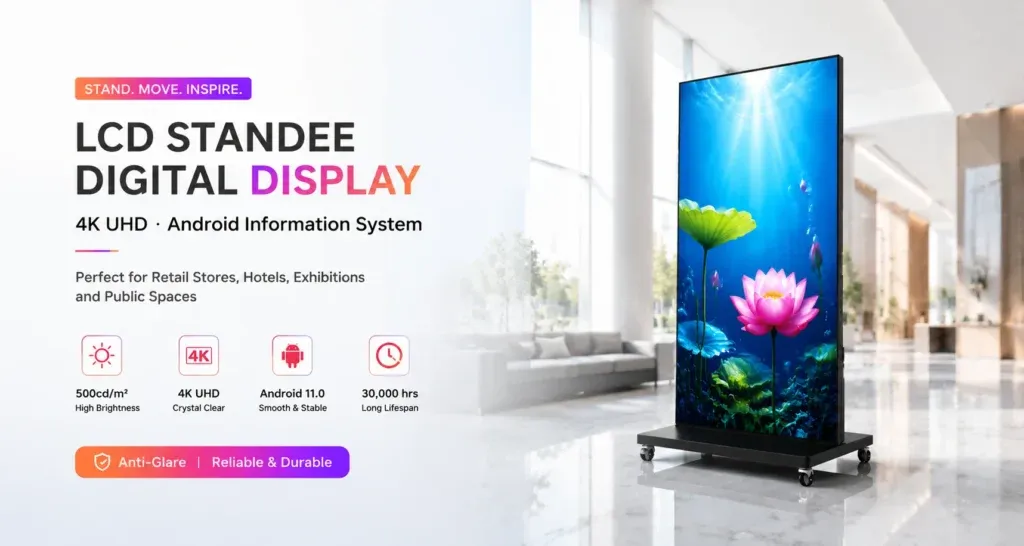
A floor-standing LCD poster can serve a reception area in the morning and a showroom later in the day. Each move changes the conditions around the screen. The next location may have a different power outlet, a new viewing angle or a different message to display. If the same unit moves regularly, give staff a short routine for leaving one location and bringing the next one into service.
Approve the two locations and the route between them
Give each approved position a name staff can recognise, such as Reception Desk or Showroom Entrance. Take a photo that shows where the base sits and which way the screen faces. Record the outlet and how the cable will be routed when the screen is in use. Have the site team review doorways, thresholds and turns along the route with the actual unit and its base dimensions in mind.
The Jiami floor-standing LCD poster series lists models with casters. Check the instructions for the supplied model and have the responsible site team confirm the handling method and who can carry out the move. For a new destination, use the LCD poster installation checklist to review power, network access and service space before adding it to the routine.
Give each location its own playback check
Write down what should appear after the move. For example, the reception screen might show opening hours, while the showroom version introduces the products on display. If the content includes directions, check each arrow from the audience’s approach at that location. A direction that made sense at the old position may send visitors the wrong way at the new one.
Record the expected playlist name or file revision for each stop. If playback depends on a network connection, confirm that the approved connection is available at the new position. For content stored on the unit, verify that the expected version is present and starts normally. Use the content preflight checklist when the move coincides with a new campaign.
Check the display from the visitor’s approach
After the authorised team has positioned the unit according to its instructions, walk toward it along the path visitors actually take. Check that the main message appears in time to read, that reflections leave it legible and that nearby fixtures do not hide the screen. If the position fails the check, send the issue to the person responsible for the site layout before opening that location for use.
Watch enough of the playlist to confirm the location-specific information and the transition between items. A screen can show the expected opening slide while still carrying an outdated item later in the loop.
Leave a handover the next shift can use
- Unit identifier, approved destination and time moved.
- Staff member responsible for placing the unit back into service.
- Playlist or file revision checked at the destination.
- Result of the visitor approach and playback checks.
- Any unresolved issue and the person responsible for following it up.
Keep the location notes with the display so the next shift can repeat the process. If you are comparing units for a multi-location installation, share the proposed positions and route with Jiami so the team can review the intended use and supplied configuration.