
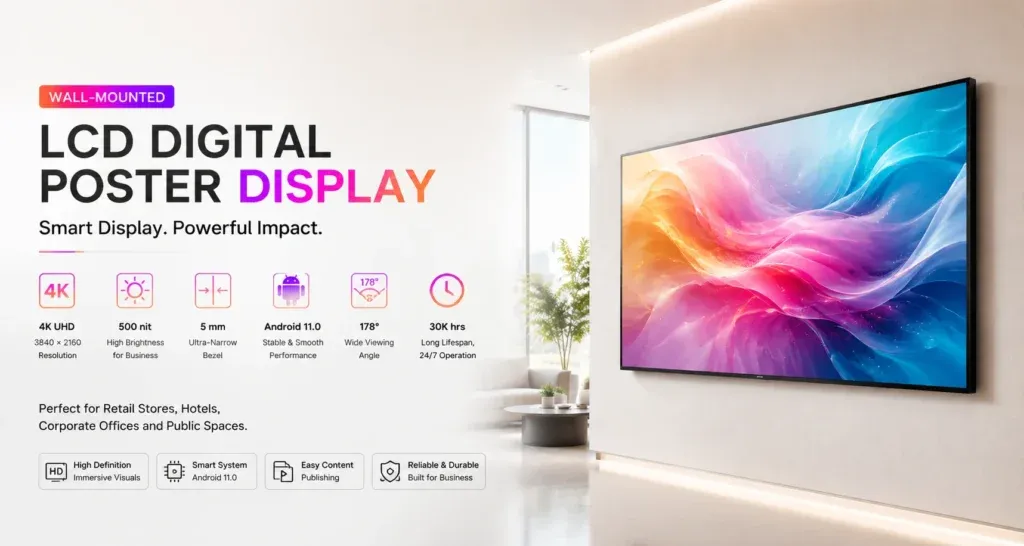
A QR code on a commercial LCD poster gives a viewer a way to continue from the screen to a phone. It might open product information, a booking page or a campaign offer. The useful test is whether a person at the installed display can scan it, understand the destination and complete the intended next step.
Choose one destination and explain the benefit
Decide what the viewer should do after scanning. A product demonstration might link to a relevant specification page, while an event display might open the current programme. Keep the destination closely connected to the message on the screen so the viewer can recognise the next step.
Add a short label beside the code, such as ‘View product details’ or ‘Open today’s programme’. Avoid making the viewer scan simply to discover what the link does. Have the campaign owner approve both the screen message and the destination before the artwork is released.
Design for the installed screen
Place the code where it can be seen from the intended viewing position, with clear space around it and sufficient contrast against the background. Keep decorative elements, captions and product photography away from the code itself. Use the final exported artwork when checking the result, rather than relying on a design application’s preview.
Confirm the content orientation and playback layout for the supplied display. A wall-mounted LCD poster beside a product and a floor-standing LCD poster in a lobby may be viewed from different positions. Test the complete installation instead of assuming the same artwork will work in every location.
Scan from the viewer’s position
Run the campaign file on the actual screen and use a phone from the place where a viewer can comfortably stand. Check whether nearby fixtures, reflections or the mounting height make scanning awkward. Repeat the check under representative operating lighting and with more than one phone where practical.
Do not treat a successful scan from close range as proof that the placement is ready. If a viewer must step into a queue or block an aisle to reach the code, revisit the location or artwork. Ask someone who did not design the campaign to try the process without being guided through it.
Allow time for the action
Watch the complete playlist and note how long the code remains available. A viewer may need time to notice the message, take out a phone and frame the code. If the code disappears during the attempt, change the content plan and test again.
Avoid moving or distorting the code while it needs to be scanned. If the same destination appears in several playlist items, keep its appearance and label consistent. The LCD poster content preflight checklist covers the wider review of artwork, playback and campaign details.
Check the mobile journey
Open the link on a phone and confirm that it reaches the approved page, loads on the connection available to visitors and displays the relevant information. Check any redirects and make sure the destination still matches the campaign after a website update.
- Confirm product names, offer details and participating locations.
- Read the page at a normal mobile text size.
- Check that buttons and any required form can be used on a phone.
- Confirm the visitor can reach the intended result without an unexpected account requirement.
- Give staff a simple alternative for visitors who cannot or prefer not to scan.
Assign ownership after launch
Record the approved destination, artwork version, display location and campaign end date. Name the person responsible for replacing expired content and checking the destination after changes. If the code relies on a managed link service, confirm account ownership, access and any service terms with the campaign owner.
Include destination checks in the team’s LCD poster maintenance log so a changed page can be traced to the content running on a particular screen. Test a revised code or destination before distributing the update to other locations.
Discuss your LCD poster project with Jiami. Share the proposed location, content orientation and a sample campaign file so the display configuration can be reviewed against the intended viewing setup.